Websites for auto repair
A good shop deserves a clear website.
Put repair services, shop information, and a way to get in touch where drivers can find them. A considered website helps someone understand the shop before the visit.
Built around the visit
Make the useful information easy to find.
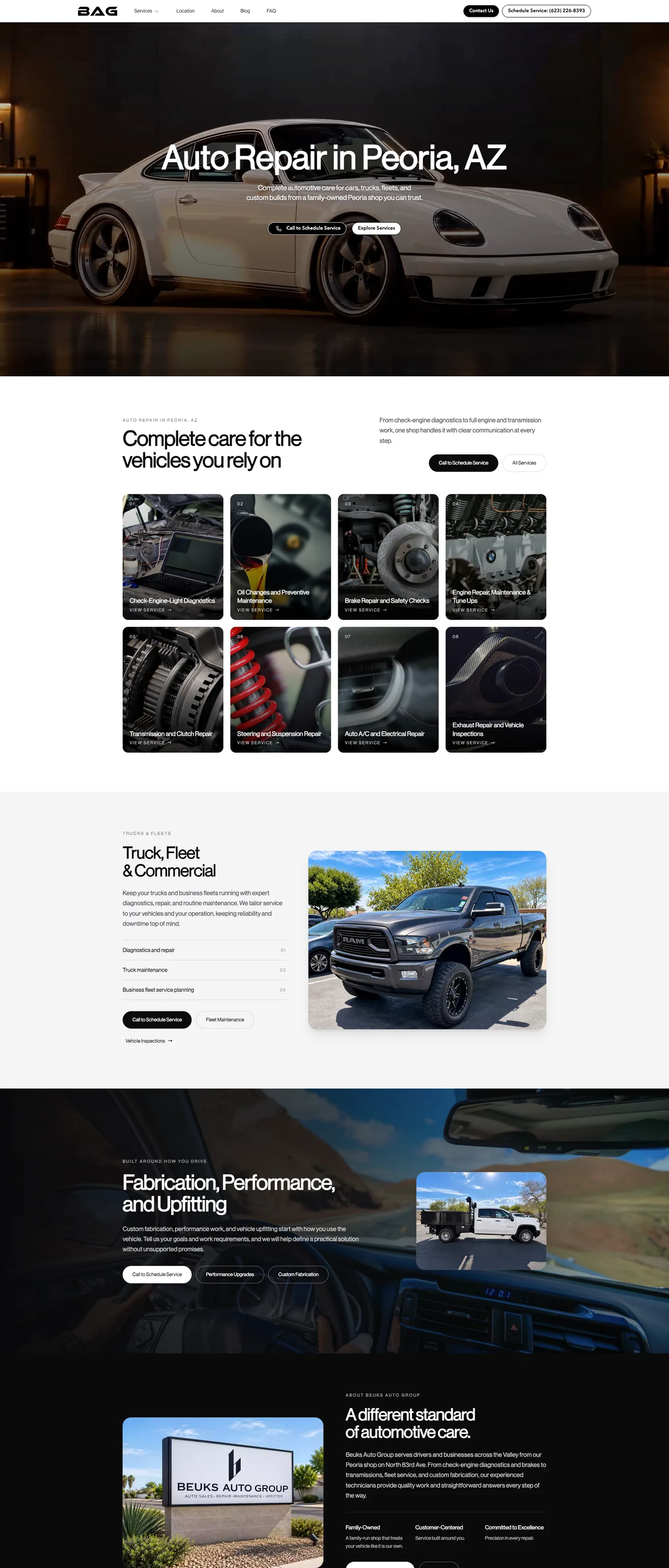
A driver arriving on a phone should not have to work through a complicated website to find the location or understand the services. DashTrack builds around clear navigation, readable pages, and accurate shop details.
- Bring services, hours, location, and contact details together.
- Explain the types of work and vehicles the shop actually handles.
- Give appointment or service inquiries an obvious next step.
Room for the work behind the repair
Show what makes the shop worth a conversation.
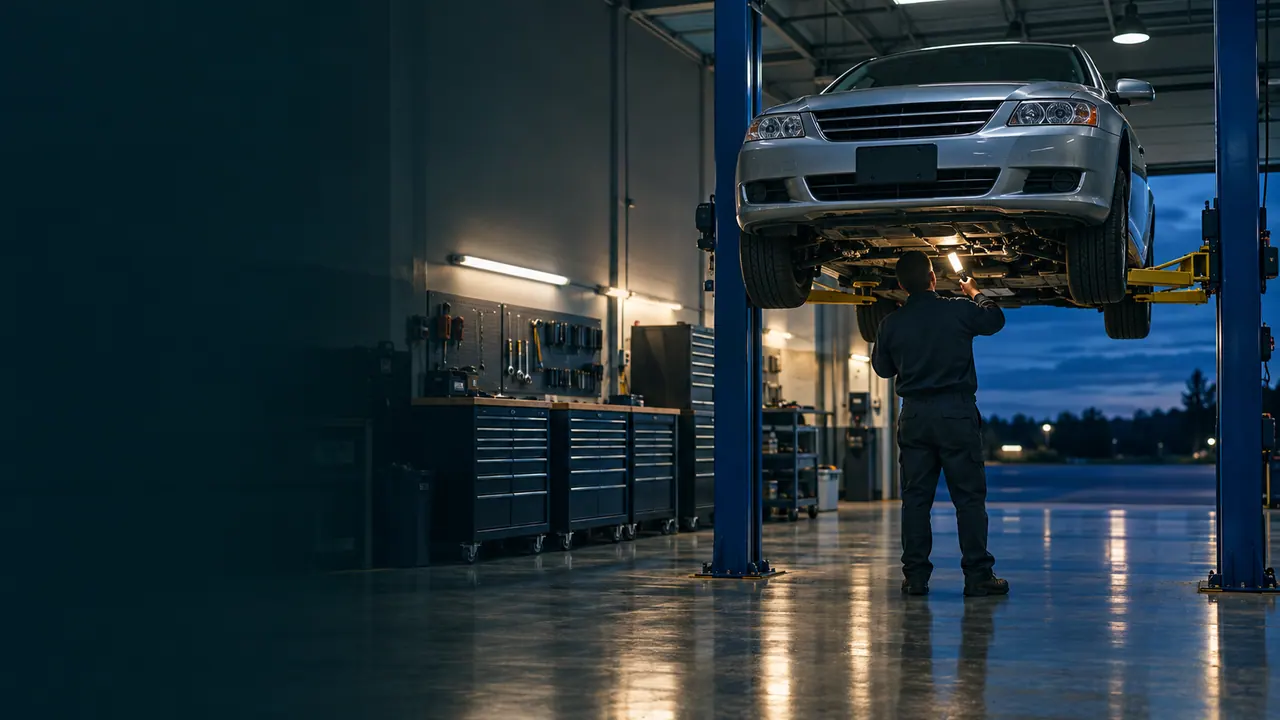
Service descriptions, real shop photography, and useful questions can give a visitor context without making promises about a repair before it is inspected. Search and AI foundations help that information stay connected.
- Use specific service pages rather than a list of unexplained terms.
- Present actual qualifications and shop details accurately.
- Keep changing hours and service information current with website support.
A useful path, not a complicated one
From a repair question to the shop.
Give the visitor a clear way to understand the service, find the business, and ask what to do next.
- 01
The search
Can this shop help?
Make service specialties and the vehicles the shop works on clear.
- 02
The visit
Where and when?
Keep the location, hours, and practical contact information easy to find.
- 03
The inquiry
What should happen next?
Give drivers a direct route to ask about the service or an appointment.
Design, hosting, security, search and AI foundations, and website support stay together in the plan.
Questions & answers
Useful answers for auto repair.
The website should fit the way the business works. Start with the details that matter before agreeing on the build.
Can individual repair services have their own pages?
Yes. Services such as maintenance, diagnostics, or a specific repair category can have dedicated pages when they reflect work the shop actually performs.
The sitemap should prioritize useful distinctions for drivers. Page count and build scope are agreed before the work begins.
Can the site use an appointment system the shop already has?
An existing appointment destination can be discussed during onboarding. A clear link may be enough, while an embedded or deeper connection requires a feasibility and scope review.
The build does not assume compatibility with every shop-management or scheduling platform. Any additional work is confirmed before proceeding.
Should repair prices or diagnosis estimates appear on the website?
The shop decides which supplied service information and pricing are appropriate to publish. Content can explain when an inspection or conversation is needed rather than implying a diagnosis from a website visit.
DashTrack does not create repair estimates, certification claims, or guarantees on the shop's behalf.
How are holiday hours and changing shop details handled?
Changes to existing website pages can be requested through website support. That can include supplied hours, contact details, and service information.
Additional pages, a major design change, or new software connections are scoped separately before proceeding.